Eldforge Controls Guide
Default keys, full rebinds, Crow and Dash muscle memory, plus mobile QoL.
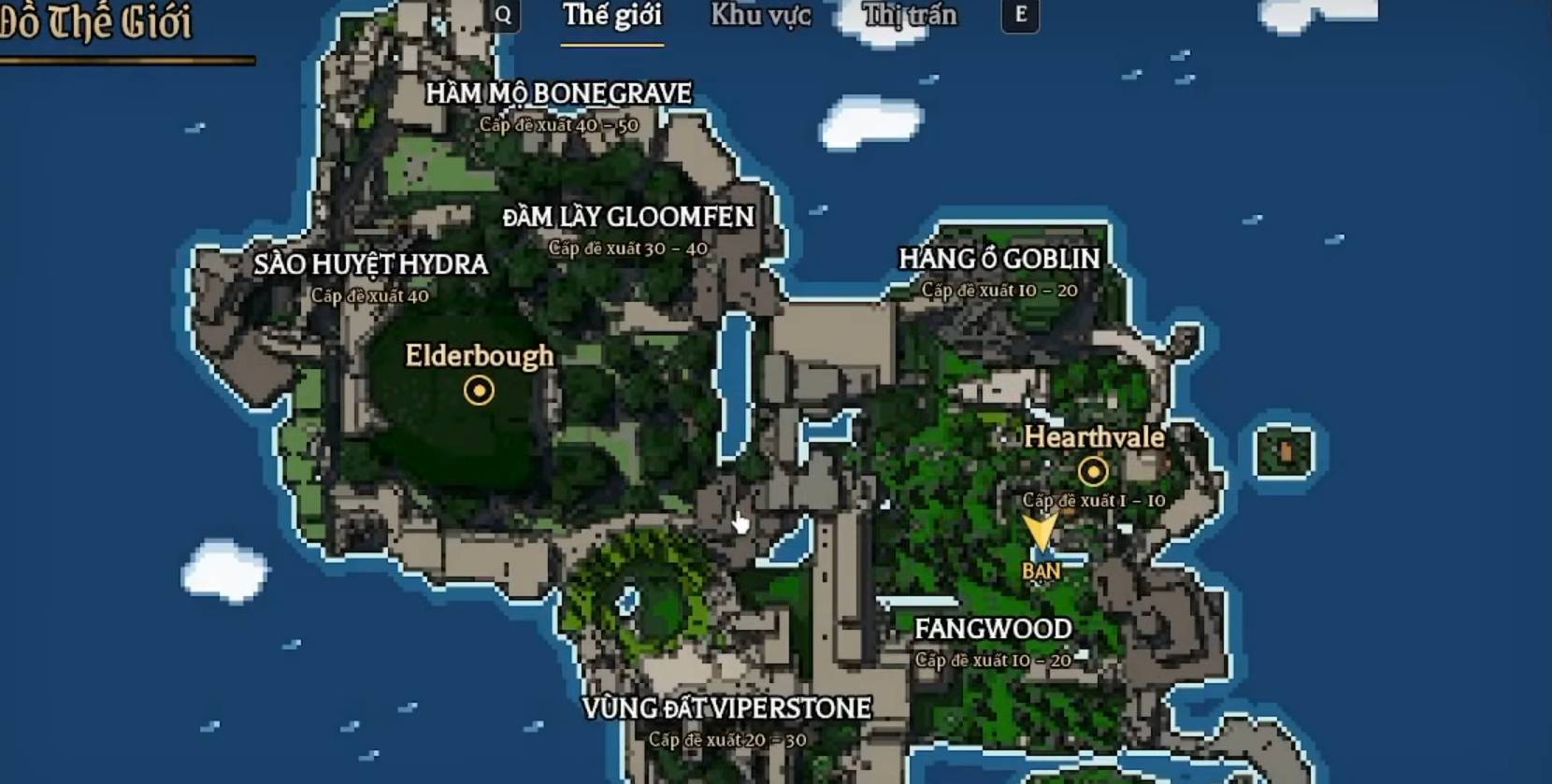
Clean inputs win caves. Eldforge ships with a clear default keyboard layout and lets you rebind every listed key under Settings > Keybinds. This Controls guide documents the launch defaults from the Roblox place description, explains what each action does in real play, and covers mobile customization plus low graphics mode. After you can Dash and open the map without thinking, return to Getting Started for systems progression.
Official mobile trailer sits mid-article—watch it if you primarily play on touch devices.
Default PC keybinds
| Action | Default key | Why it matters |
|---|---|---|
| Sprint | Left Ctrl | Close gaps to ores, escape packs, rotate in Kingdom Wars |
| Shift Lock | Left Shift | Camera lock for precise melee and sniper headshots |
| Crow | . (period) | Interact with Crow companion quest flow |
| Pet | O | Summon / manage pet after Level 10 unlock |
| Dash | Q | I-frame style reposition; essential in boss telegraphs |
| Weapon Awakening | C | Surge weapon power in tough pulls |
| Race Skill | H | Fire your racial ability—pair with Races |
| Pick Up / Throw | G | Grab and toss props or quest objects |
| Lantern | K | Toggle light after the ghost NPC lantern quest |
| Emotes | , (comma) | Social / flex animations |
| Menu / Map | M | Open menu and world map markers |
All of these can be changed in Settings > Keybinds. If a bind conflicts with your GPU overlay, browser shortcuts (when playing in browser), or accessibility needs, remap early instead of fighting muscle memory for weeks.
How to rebind keys
- Launch Eldforge and open the menu (
Mby default). - Enter Settings, then open Keybinds.
- Click the action you want to change and press the new key.
- Resolve conflicts if the UI warns that another action already uses that key.
- Test Dash, Crow, Lantern, and Race Skill in a safe village area before entering Bear Cave or Silver Cave.
After patches, quickly re-open Keybinds—hotfixes sometimes reset defaults. Track major patches on Updates.
Movement and camera tips (PC)
- Combine Sprint + Dash to cross bridges and rice fields toward the Level 10 stable NPC without wasting combat cooldowns.
- Use Shift Lock when practicing Assassin closes or Sniper headshots ranked on the Tier List Hub.
- Keep Crow on an easy key; companion quests are a core onboarding loop, not optional flavor.
- Toggle Lantern before descending into dark Copper/Iron caves described in Ore Locations.
- Weapon Awakening and Race Skill are burst tools—do not panic-press them on the first trash pack.
Combat control stack
A reliable fight opener for many subclasses:
- Shift Lock on.
- Sprint into range or hold distance for Sniper / Mage lines.
- Dash (
Q) to dodge telegraphs. - Weave light attacks with subclass skills.
- Pop Weapon Awakening (
C) when the boss is committed. - Race Skill (
H) for gap close, sustain, or utility depending on race. - Pet (
O) uptime once unlocked for extra pressure.
Guardian and Immortal players should practice Dash timing specifically—tank kits live or die on not eating avoidable hits even with mitigation.
Mobile controls and QoL
Eldforge supports mobile with customizable controls. Open settings on your device and:
- Resize and reposition buttons so Dash and Attack are reachable by your thumbs.
- Increase camera zoom comfort if caves feel claustrophobic.
- Enable low graphics mode on older phones to stabilize frame rate during Kingdom War or multi-boss camps.
- Consider remapping virtual keys so Crow and Lantern are not hidden under the joystick.
Touch aim makes Sniper harder; many mobile players prefer Guardian, Beast Master, Ice Mage, or Berserker until they refine sensitivity. That preference is playstyle—not a hard rule.
Accessibility and comfort
- Remap Sprint off Left Ctrl if it strains your hand; some players prefer a thumb-adjacent key.
- Separate Emotes from combat keys so you do not dance mid-Hydra.
- If you use a controller via unsupported or experimental paths, expect to fall back to on-screen mobile-like prompts—keyboard/mouse and touch remain the documented baselines.
- Lower graphics before entering Elbow region multi-enemy crypts (Bone King spiders) to keep Dash responsive.
Controls checklist for new accounts
- Verify every default in Keybinds matches the table above.
- Bind Dash and Lantern to keys you can hit while moving.
- Practice Crow (
.) near the starter village until the companion flow feels obvious. - Complete the lantern quest so
Kdoes something useful. - Reach Level 10, then confirm Pet (
O) responds at the stable. - Skim Crafting & Runes so you are not fumbling menus while inventory is full.
Troubleshooting
- Key does nothing: Another program stole focus, or the bind is empty after a patch—reset in Keybinds.
- Map will not open: Wait for UI load on busy 15-player servers; click the on-screen button as backup.
- Mobile lag: Low graphics mode first; close background apps; avoid stacking particle-heavy awakenings in tiny caves.
- Accidentally throwing items: Remap
Gfarther from movement keys.
Mastering controls is the cheapest DPS increase in Eldforge. Once Sprint, Dash, Crow, and Lantern are instinctive, every guide on the Guides Hub becomes easier to execute—and every class on the tier list gets a fair try.
Frequently Asked Questions
Quick answers to the most common questions.
What is the Dash key in Eldforge?
Dash defaults to Q. Remap it under Settings > Keybinds if that key is awkward on your keyboard or mobile layout.
How do I open the map?
Press M by default, or tap the map button on mobile, then zoom to locate caves and NPCs.
Can I change Eldforge keybinds?
Yes. Every listed combat and utility key can be rebound in Settings > Keybinds.
Does Eldforge support mobile?
Yes. Mobile includes customizable controls and a low graphics mode for weaker devices.
What key toggles the lantern?
Lantern defaults to K after you complete the ghost NPC lantern quest near the village.
What does the Crow key do?
The Crow key (default period) interacts with your Crow companion used for quests and adventure objectives.